Welcome to the Urology Specialists of the Carolinas Patient Portal
Your secure gateway to managing your health with ease. Access and update personal health information, view lab and imaging results, and request prescription refills — all from the convenience of your home.
If you already have an account, log in to get started
Activate the Patient Portal
Steps to sign up and activate your new account
Please note that your account must be activated through a web browser. Please use Google Chrome or Mozilla Firefox browser. ModMed is not supported on Microsoft EDGE nor Safari.
It is important to set up your account online prior to using the phone app, APPatient™.
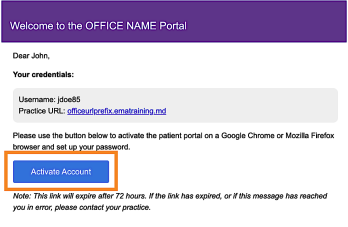
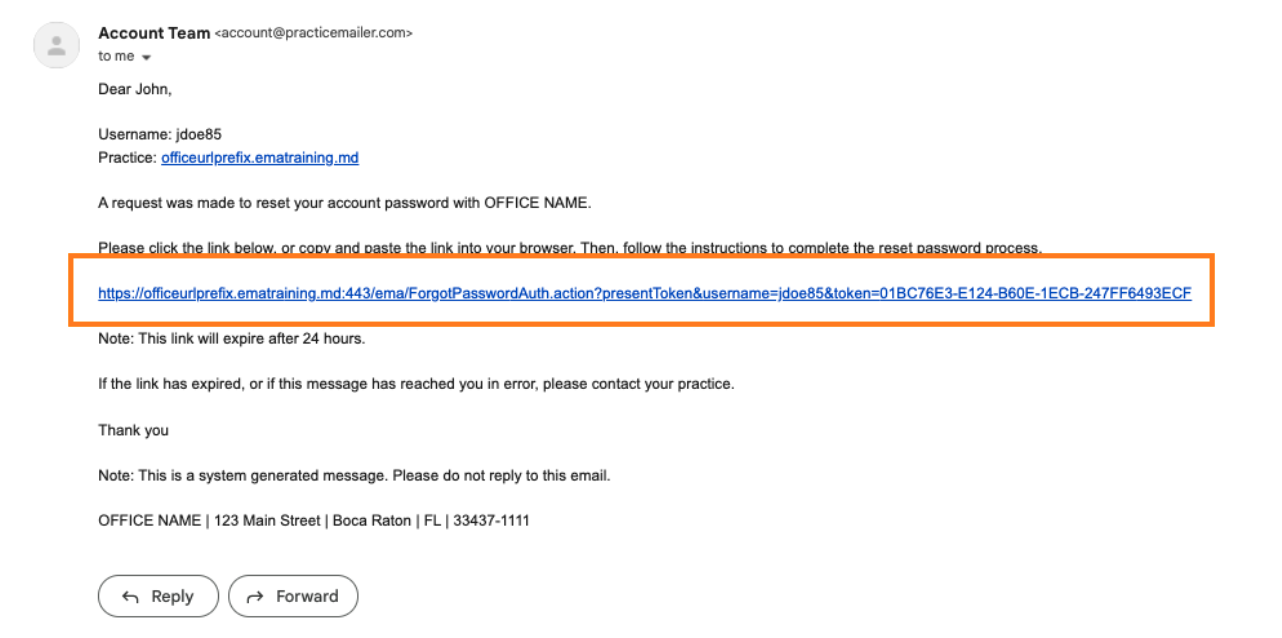
- When your appointment was made, you received an email from us with the subject, “Welcome to Your Urology Specialists Of The Carolinas Pllc Patient Portal”. PLEASE BE AWARE THAT THE EMAIL IS ONLY VALID FOR 72 HOURS. If you need the email resent, Please Contact Us Here
- The email will include your Patient Portal Username, Practice URL (https://u-s.ema.md/ema) and the steps for logging into the portal.
- Select Activate Account
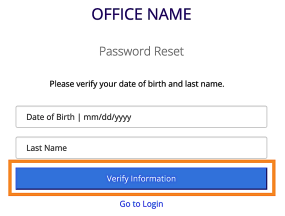
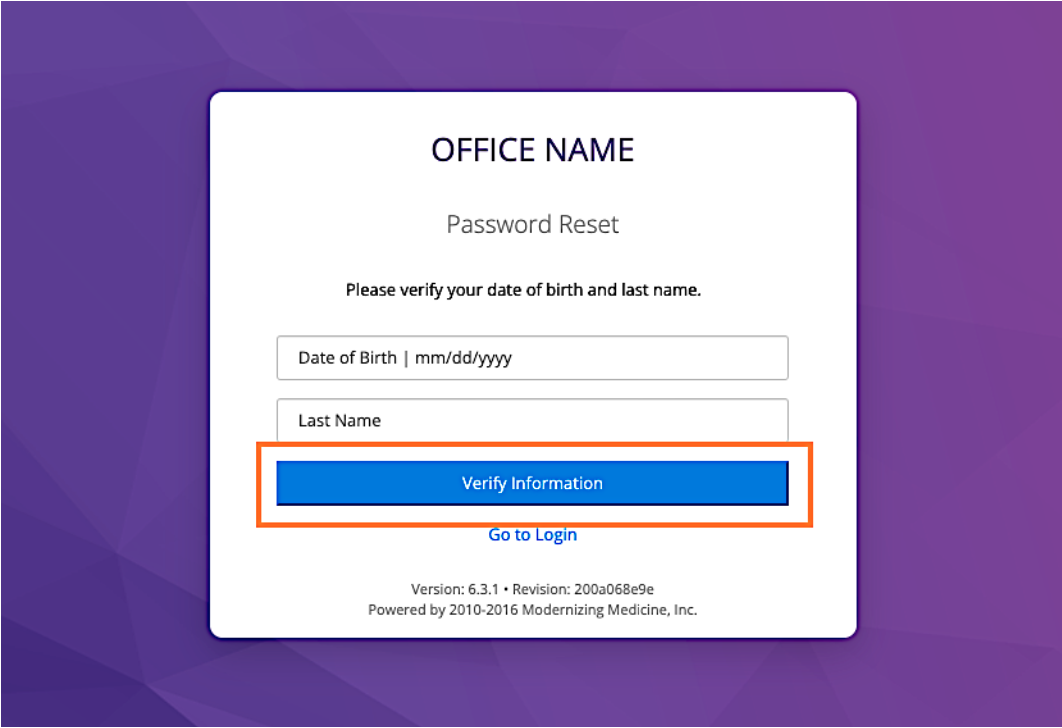
You will be directed to the portal website, where you will be prompted to verify your identity by entering your Date of Birth and Last Name. Once entered, select Verify Information.
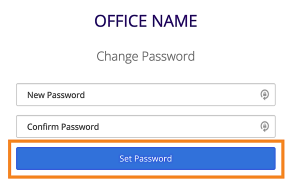
You will be prompted to change your password. Once entered, select Set Password.
Log in to the Patient Portal
Once your account has been activated, you will be able to log in to the Patient Portal as needed. Follow the steps below to log in.
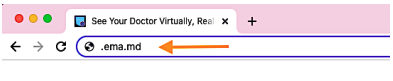
- Open your internet browser on a computer or laptop and enter the following website URL into the address bar: https://u-s.ema.md/ema
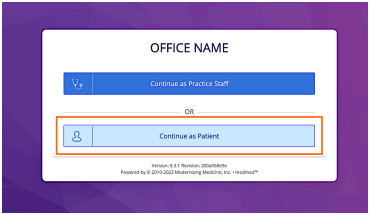
- Select Continue as Patient.
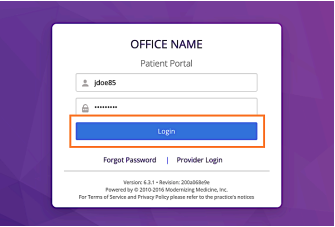
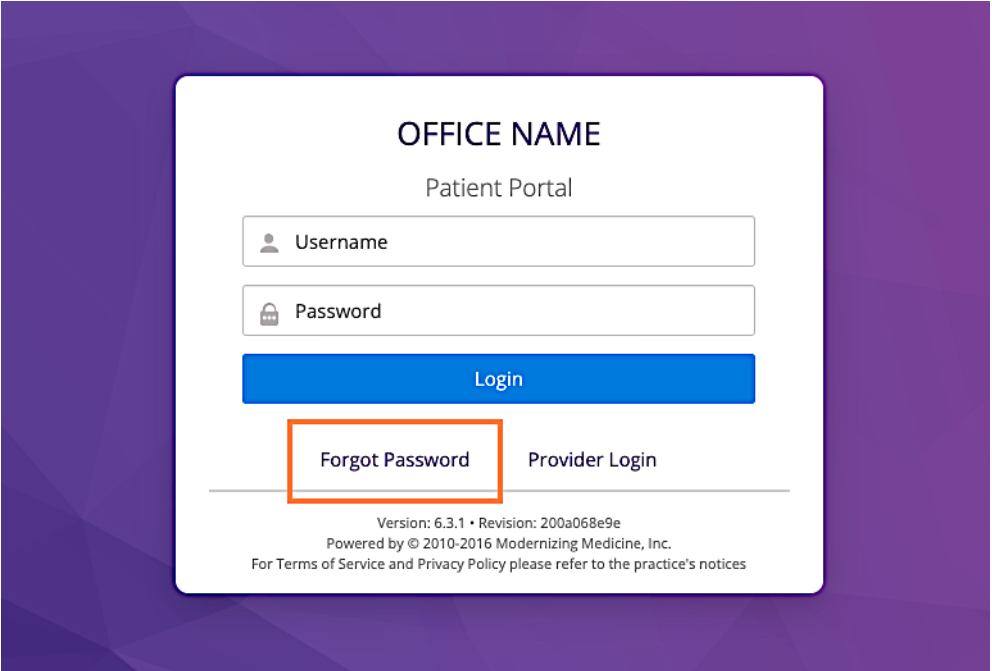
- Enter your Patient Portal Username and Password, then select Login.
Once you activate your account online, you can now download and use the phone app, APPatient™.
To log into APPatient, you will need your Practice URL, username, and password.
Once you receive the email through your smartphone, select the provided hyperlink. If you do not have access to your email on your smartphone, go to the App Store and search APPatient.
Download the app via Google Play or the App Store.The mobile patient engagement app will help give you the ability to access information on the go such as:
- Check in for your appointment 24 hours prior to your visit
- Pay your copay and balances
- View past and upcoming appointments
- Update pharmacy and medications
- And more!
Helpful Resources
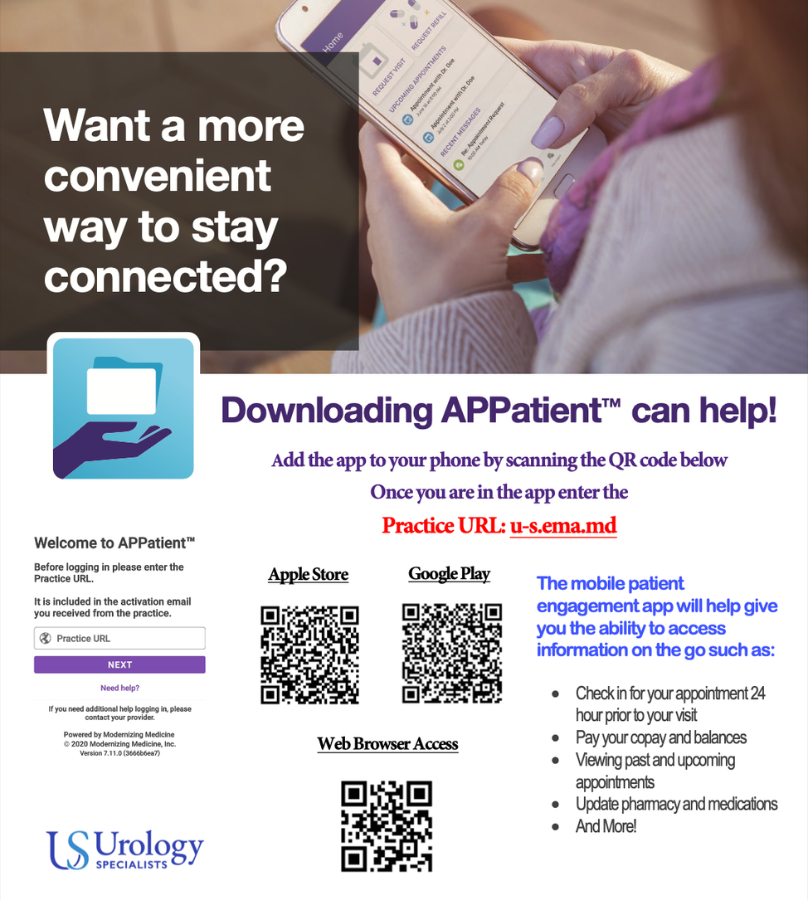
APPatient Download Instructions
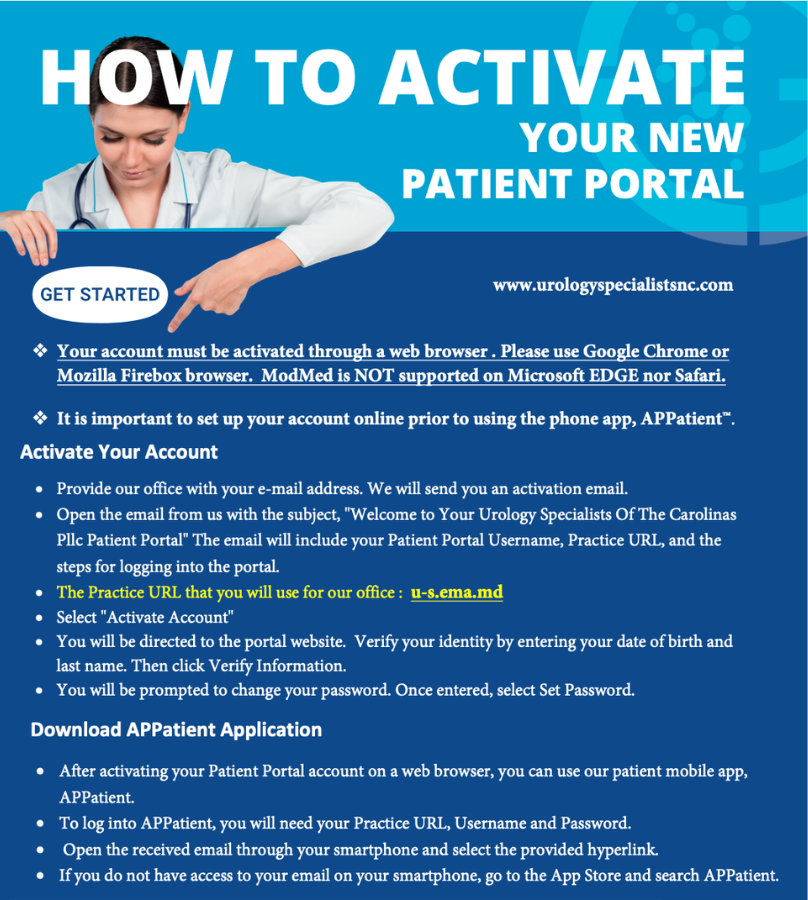
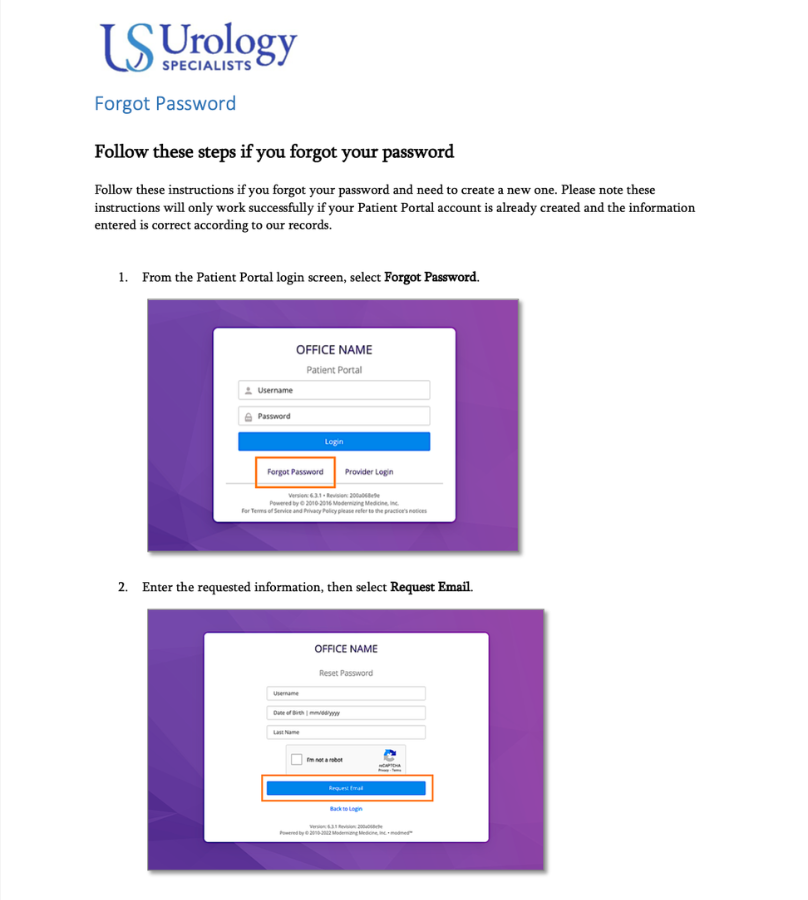
Patient Portal Activation Instructions
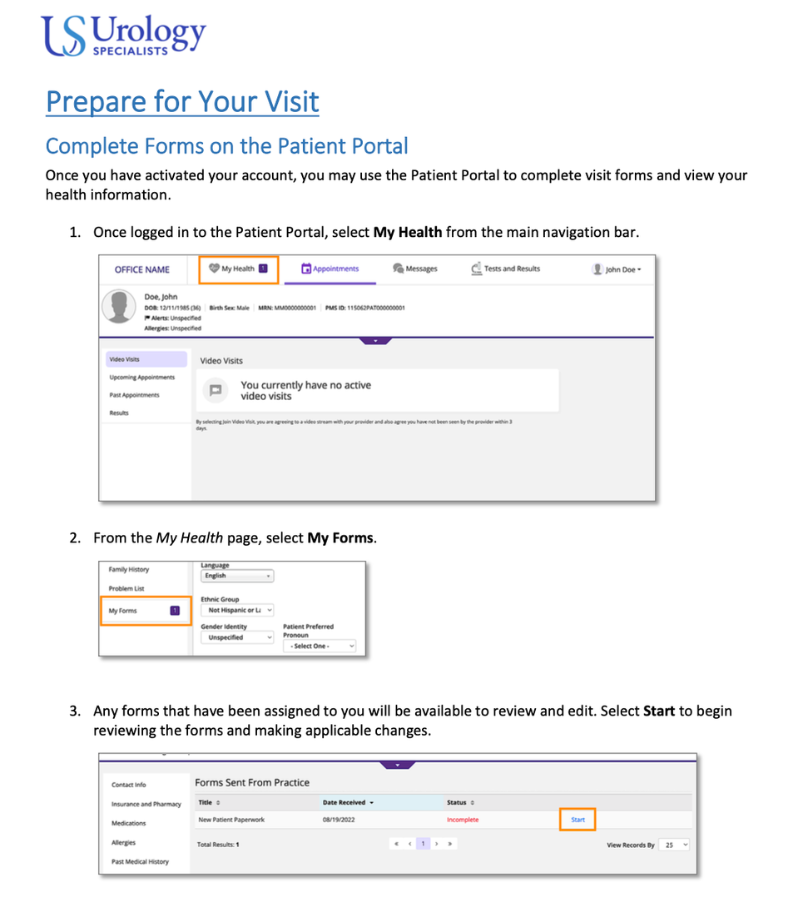
How-To-Use Patient Portal Instructions